Logistics Software Stack Explorer
Click any system in the diagram to see what it does, who uses it, and how it connects to the rest of the stack.
The Logistics Ecosystem
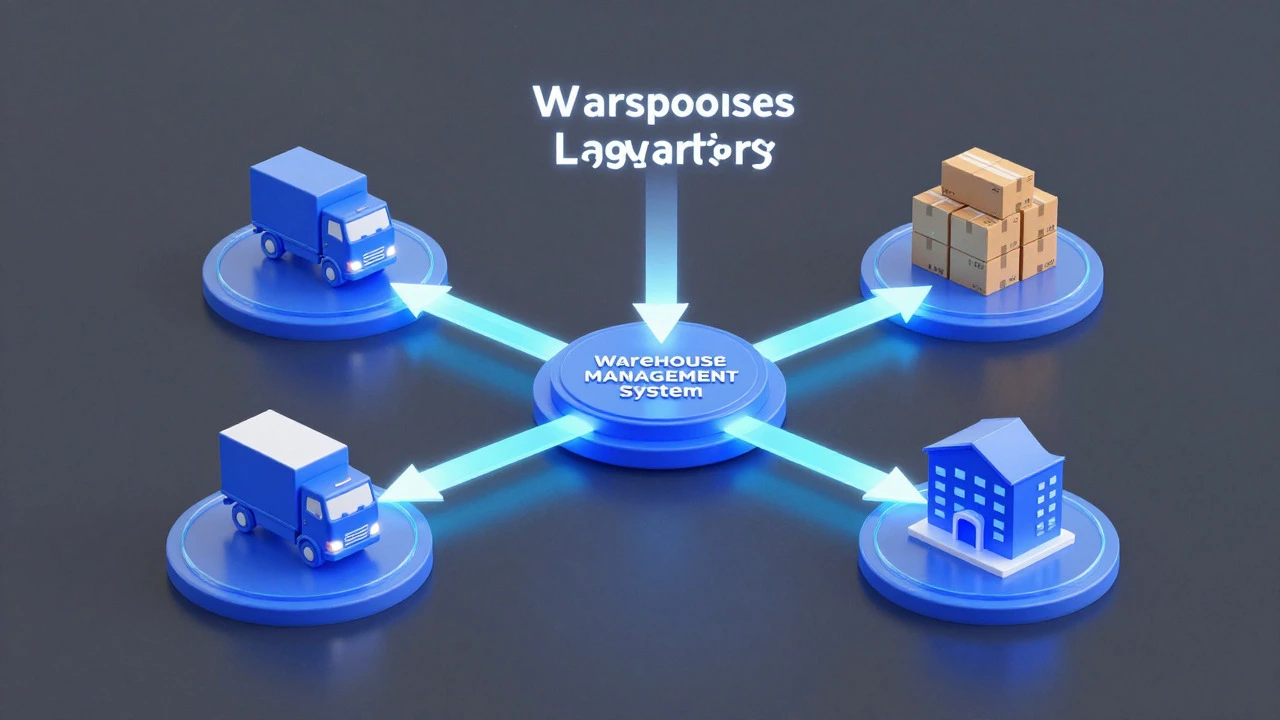
These four systems form the digital backbone of a modern distribution center. Select a block on the left to explore its role, key users, and where it plugs into the wider stack.
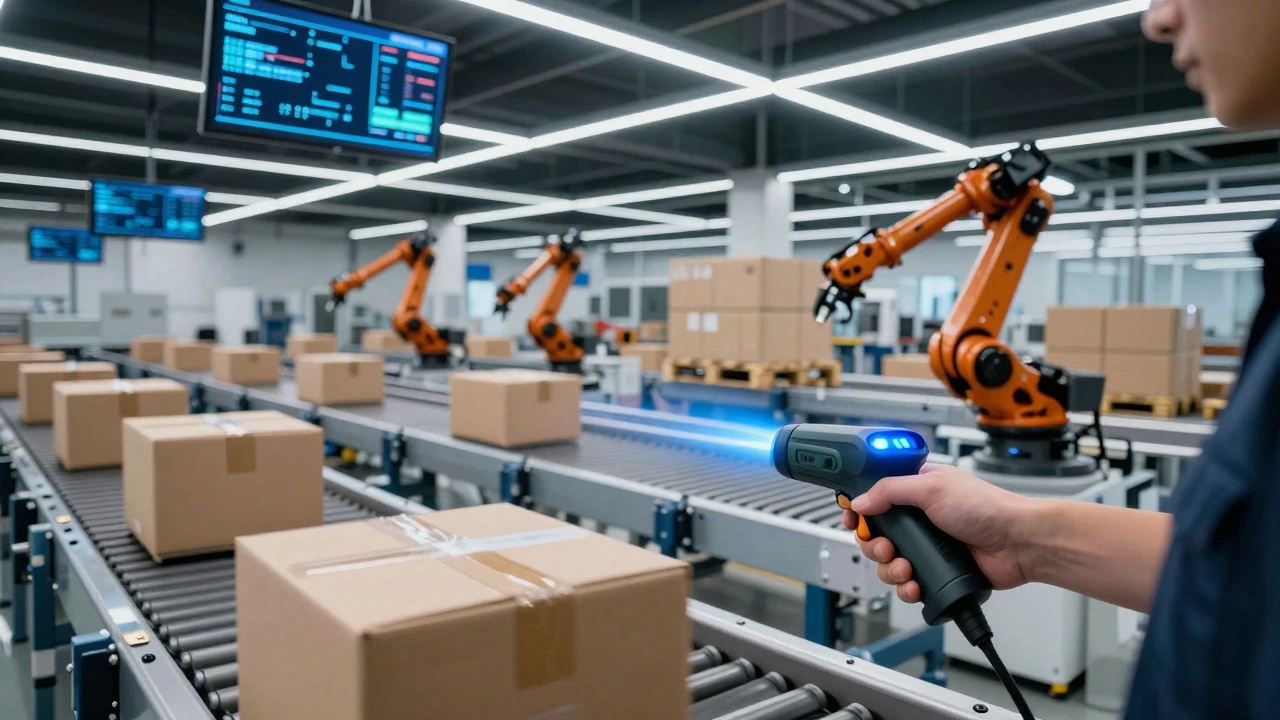
Walk into a modern distribution center in the UK and you won't see people running around with clipboards. You’ll see handheld scanners beeping, automated conveyors moving boxes at high speed, and screens displaying real-time data on stock levels. The invisible engine driving all of this is warehouse management system (WMS) software. It’s the digital backbone that tells every piece of equipment and every worker exactly what to do, where to go, and when to move.
But “warehouse software” isn’t just one thing. It’s an ecosystem of tools that work together to handle everything from receiving goods to shipping them out. If you’re looking to understand what actually runs behind the scenes in a logistics facility, you need to look beyond a single app. You need to understand how different systems interact to keep operations smooth, fast, and error-free.
The Core: Warehouse Management System (WMS)
Warehouse Management System is software used to control and optimize day-to-day operations within a warehouse or distribution center. Think of it as the brain of the operation. While your accounting software handles money, the WMS handles physical movement. It manages the entire lifecycle of a product inside four walls: receiving, putaway, picking, packing, and shipping.
Modern WMS platforms are far more sophisticated than simple spreadsheets. They use algorithms to determine the best location for storing items based on weight, size, and demand frequency. This is known as slotting optimization. By placing fast-moving items near packing stations, the system reduces travel time for pickers. In a large UK fulfillment center handling thousands of orders daily, saving even ten seconds per pick can result in hundreds of hours saved annually.
Key functions of a standard WMS include:
- Inbound Processing: Managing dock appointments and verifying incoming shipments against purchase orders.
- Inventory Control: Tracking stock levels in real-time across multiple locations or bins.
- Pick Path Optimization: Calculating the most efficient route for workers to collect items.
- Outbound Shipping: Generating labels and coordinating with carriers for dispatch.
Connecting the Dots: Transportation Management Systems (TMS)
A WMS tells you what to pick, but who moves it? That’s where the Transportation Management System comes in. A TMS is a software solution designed to plan, execute, and optimize the transportation of goods. While the WMS focuses on internal warehouse movements, the TMS manages the external journey from the warehouse door to the customer’s doorstep.
These two systems must talk to each other seamlessly. When the WMS confirms that an order is packed and ready, it sends a signal to the TMS. The TMS then calculates the best carrier, route, and cost. For a logistics company operating across the UK, this integration is critical. It ensures that if a delivery van is delayed due to traffic on the M4, the TMS can reroute or adjust schedules automatically, keeping customers informed without manual intervention.
The relationship between these entities is straightforward:
- WMS [manages] internal inventory
- TMS [manages] external transport
- WMS [triggers] TMS dispatch instructions
Inventory Management: The Foundation
You might wonder if you need a separate Inventory Management Software. Often, yes, but not always. Many modern WMS platforms have robust inventory modules built-in. However, for businesses with complex supply chains or multiple sales channels, a dedicated inventory tool provides deeper visibility.
Inventory software tracks not just *where* items are, but *how many* are available for sale versus reserved for pending orders. It handles batch tracking, expiry dates, and serial numbers. In industries like food and beverage or pharmaceuticals, this precision is non-negotiable. If a batch of milk expires next week, the software flags it for priority shipment. This prevents waste and ensures compliance with health and safety regulations.
For smaller operations, a standalone inventory tool might be sufficient. But once you scale to multiple warehouses or automate parts of the process, the WMS becomes essential because it integrates hardware with data.
Hardware Integration: Scanners, Robots, and Conveyors
Software is useless if it doesn’t connect to the physical world. Modern warehouses rely on specific hardware interfaces that are controlled by the WMS.
Barcode and RFID Scanners: These are the eyes of the warehouse. Workers use handheld devices to scan barcodes or Radio-Frequency Identification (RFID) tags. Each scan updates the WMS instantly. This eliminates paper errors and ensures that the right item goes to the right customer. Accuracy rates using these systems often exceed 99.9%, compared to roughly 95% for manual entry.
Automated Storage and Retrieval Systems (AS/RS): In high-volume facilities, robots do the heavy lifting. These machines retrieve pallets or bins from high-density storage racks. The WMS directs these robots to specific coordinates. Without the software, the robots would be idle; without the robots, the software couldn’t manage such high density efficiently.
Voice Picking Systems: Instead of looking at a screen, workers wear headsets that give verbal instructions. “Go to aisle 4, bin 12, take 3 units.” This keeps hands free and eyes on the task, increasing productivity and reducing fatigue.
Enterprise Resource Planning (ERP) Integration
At the top of the stack sits the Enterprise Resource Planning system. ERP is the central hub for business processes, including finance, HR, procurement, and sales. While the WMS handles the physical flow of goods, the ERP handles the financial and administrative data associated with those goods.
When a customer places an order on an e-commerce site, the ERP records the sale and deducts cash flow. It then sends the order details to the WMS for fulfillment. Once the WMS ships the item, it sends confirmation back to the ERP, which triggers billing and updates customer accounts. This loop ensures that your books match your physical stock. Discrepancies here are a major source of operational headaches, so tight integration between ERP and WMS is a key focus for IT teams in logistics.

Comparison of Key Logistics Software Types
To clarify the roles, here is a breakdown of how these systems differ and overlap.
| Software Type | Primary Function | Key Users | Integration Point |
|---|---|---|---|
| WMS | Internal warehouse operations | Warehouse managers, pickers, packers | Connects to TMS and ERP |
| TMS | Transport planning and execution | Dispatchers, fleet managers | Receives tasks from WMS |
| Inventory Software | Stock level tracking and valuation | Supply chain analysts, accountants | Feeds data to WMS/ERP |
| ERP | Business-wide resource management | C-suite, finance, HR | Sends orders to WMS |
Choosing the Right Stack for Your Business
Not every business needs all of these systems. A small independent retailer might get by with basic inventory software and a spreadsheet for shipping. However, as volume grows, complexity increases. The rule of thumb is: start with a cloud-based WMS that has built-in inventory features. As you add more carriers or warehouses, integrate a TMS. Once you have multiple departments relying on shared data, consider a full ERP implementation.
Cost is a factor, but so is scalability. Cloud-based solutions offer lower upfront costs and easier updates compared to on-premise servers. For UK businesses, ensure the software supports local compliance requirements, such as VAT reporting and GDPR data protection standards. Vendor support is also crucial; having a provider with offices in Europe or the UK can make troubleshooting significantly faster during peak seasons like Christmas.
Frequently Asked Questions
What is the difference between WMS and inventory management?
Inventory management focuses on tracking stock quantities and value. WMS goes further by managing the physical movement of that stock within the warehouse, including labor, space, and workflow optimization. All WMS includes inventory tracking, but not all inventory software manages warehouse workflows.
Do I need a TMS if I only ship via courier partners?
If you use a single courier with simple rate structures, a basic shipping module in your WMS might suffice. However, if you use multiple carriers, negotiate custom rates, or manage your own fleet, a TMS helps optimize costs and track performance across providers.
How long does it take to implement a WMS?
Implementation timelines vary widely. A simple cloud-based system for a small warehouse can be live in 4-8 weeks. Complex enterprise implementations involving automation and custom integrations can take 6-12 months or longer. Proper data migration and staff training are the most time-consuming phases.
Can WMS handle multi-channel retail?
Yes, modern WMS platforms are designed for omni-channel environments. They consolidate orders from Amazon, Shopify, eBay, and physical stores into a single queue, ensuring accurate stock availability across all channels to prevent overselling.
Is cloud-based warehouse software secure?
Generally, yes. Reputable cloud providers invest heavily in security infrastructure, offering encryption, regular backups, and compliance with standards like ISO 27001. However, you should verify the vendor’s data residency options, especially if you need to store data within the UK or EU borders for regulatory reasons.