Quick Takeaways
- TMS is best for moving goods and managing carriers.
- WMS is essential for organizing the four walls of your warehouse.
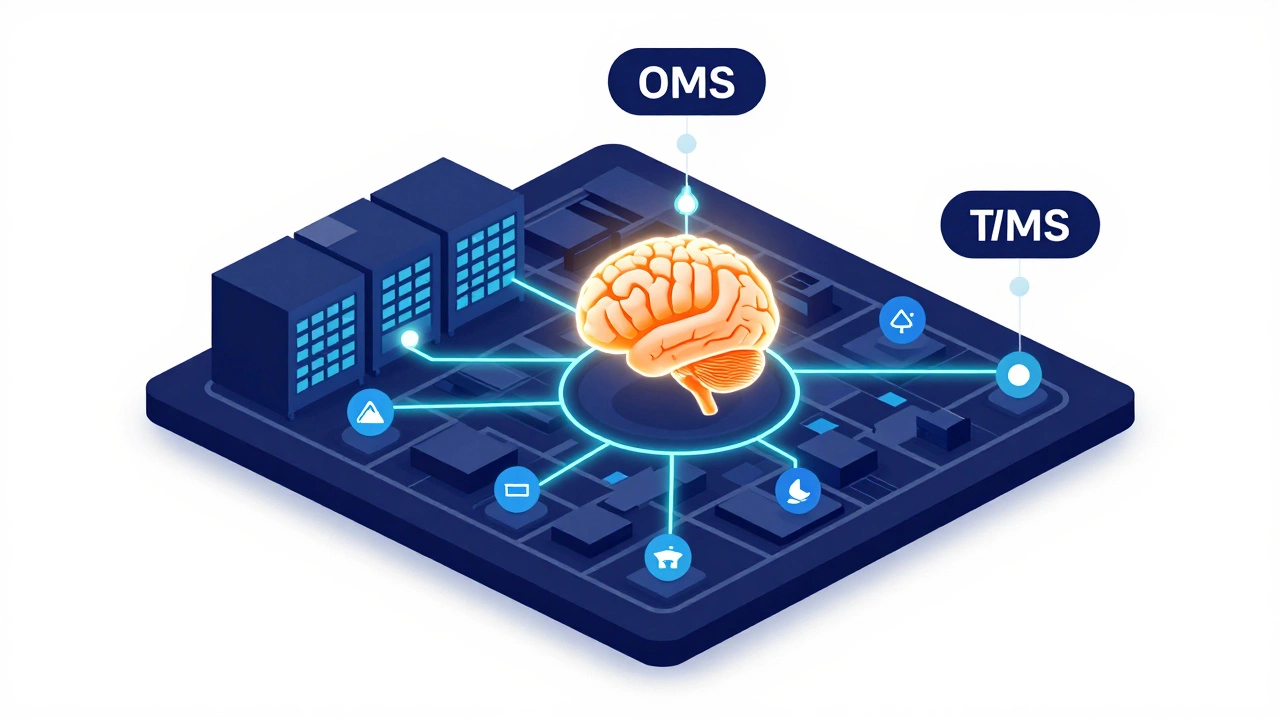
- OMS acts as the brain, connecting sales orders to delivery.
- Look for API-first platforms to avoid "data silos" where systems can't talk to each other.
The Core Pillars of Logistics Tech
Before you start comparing brands, you need to know which category of software you actually need. Most businesses make the mistake of buying a "all-in-one" suite that does five things poorly instead of three specialized tools that work perfectly together.
Transportation Management Systems (TMS) are platforms designed to optimize the physical movement of goods from point A to point B. If you're struggling with skyrocketing fuel costs or spending hours on the phone with carriers, a TMS is your primary fix. Modern systems now use AI to predict traffic patterns and suggest the cheapest shipping lanes in real-time.
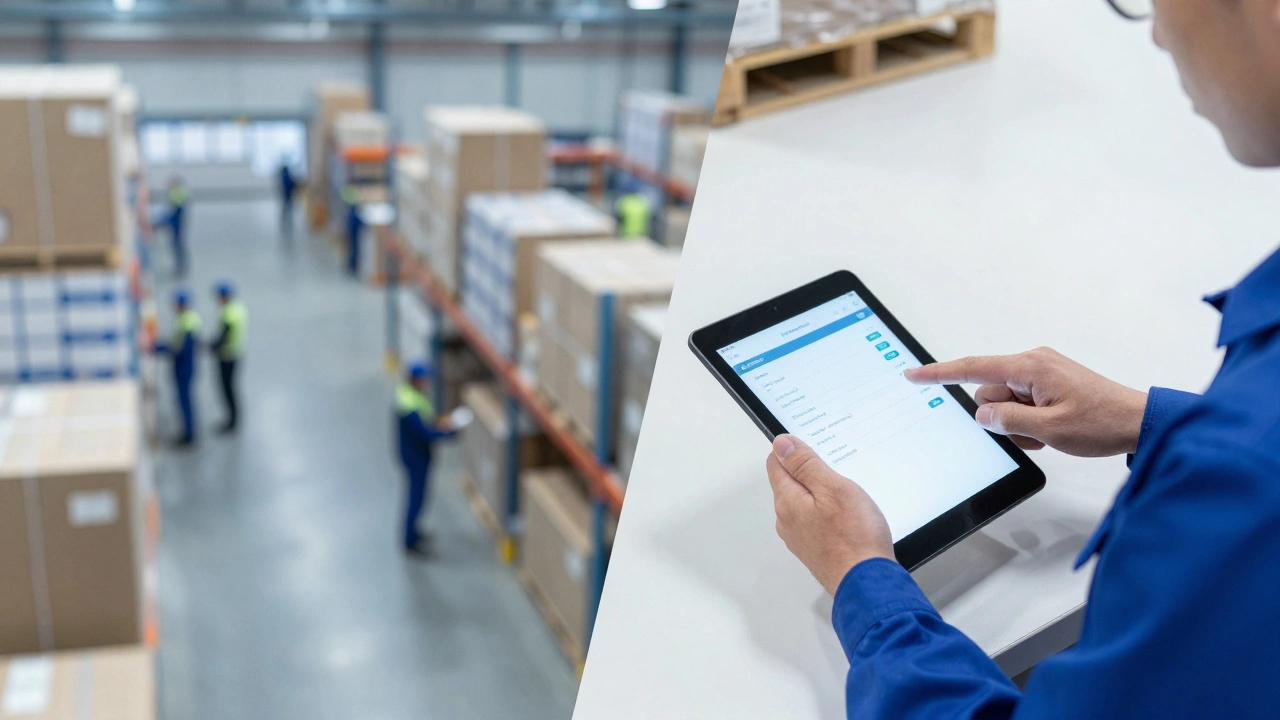
Warehouse Management Systems (WMS) focus on what happens inside your facility. A WMS controls everything from receiving and put-away to picking and packing. Think of it as a digital map of your warehouse that tells your team exactly where an item is, reducing the "walking time" that eats up productivity.
Order Management Systems (OMS) sit at the top of the chain. An OMS captures orders from Shopify, Amazon, or a B2B portal and decides which warehouse should fulfill them. It's the glue that connects your sales team to your operations team.
How to Decide Which Software Fits Your Scale
The "best" software for a local courier service in Bristol is a nightmare for a global freight forwarder. You have to match the tool to your specific operational pain points. Let's look at three common scenarios to see how the choice changes.
Scenario A: The Scaling E-commerce Brand If you've grown from a garage operation to a 5,000-square-foot warehouse, you probably don't need a massive enterprise ERP yet. You need a lightweight WMS that integrates with your store and a basic TMS to manage a few dedicated carriers. Your goal here is speed and accuracy-reducing the number of "wrong item sent" emails.
Scenario B: The Mid-Sized Fleet Operator Your biggest headache is fuel and driver hours. You need a system with heavy emphasis on Route Optimization, which is the process of determining the most cost-effective path for a vehicle to visit multiple stops. You want a tool that provides real-time GPS tracking and digital Proof of Delivery (ePOD) so you can invoice clients the second the package hits the porch.
Scenario C: The Global Logistics Provider At this level, you're dealing with customs, tariffs, and multimodal transport (sea, air, and rail). You need an enterprise-grade Supply Chain Management (SCM) suite. This isn't just about tracking a truck; it's about visibility across the entire ocean crossing. You need a system that handles automated customs documentation to avoid shipments sitting in port for three days because of a missing form.
| Software Type | Primary Goal | Key Metric Tracked | Best For... |
|---|---|---|---|
| TMS | Reduce Freight Spend | Cost per Mile / Shipment | Freight Forwarders, Carriers |
| WMS | Increase Inventory Accuracy | Order Pick Rate | 3PLs, E-commerce Warehouses |
| OMS | Sync Sales and Stock | Order Cycle Time | Omnichannel Retailers |
| Fleet Tech | Asset Utilization | Idle Time / Fuel Efficiency | Local Delivery Services |
Red Flags to Watch Out For During Demos
Software sales reps are great at showing you the "happy path"-a perfect demo where everything works. To find the truth, you need to ask the uncomfortable questions. If a provider tells you that their software "integrates with everything," ask them specifically how. Do they have a documented REST API, or are they just going to send you a CSV file via email once a day?
Another warning sign is a rigid user interface. If the system requires a three-week training course just to log a shipment, your drivers and warehouse staff will hate it. They'll either find a way to bypass the system or make constant data entry errors. The best logistics software feels like a consumer app-intuitive, fast, and mobile-friendly.
Finally, check their update history. Logistics is changing fast. With the rise of autonomous drones and electric fleets, you want a partner that pushes updates every few weeks, not every few years. If their last major version update was in 2022, run the other way.
The Role of AI and Automation in 2026
We've moved past the era where AI was just a buzzword. In today's landscape, Predictive Analytics is using historical data and machine learning to forecast future demand and potential disruptions. For example, a smart TMS can now tell you that a storm in the North Atlantic will likely delay your shipments by 48 hours before the shipping line even notifies you.
Automation also means the end of manual data entry. Electronic Data Interchange (EDI) has been around for decades, but modern API-driven automation allows your system to talk to your customer's system instantly. When a customer changes an address in their portal, your warehouse label prints the new address automatically. No emails, no phone calls, no mistakes.

Implementing Your New System Without Breaking Everything
The biggest risk isn't the software; it's the transition. Many companies try a "big bang" rollout where they switch everything over on a Monday morning. This is a recipe for disaster. If the system glitches, your entire operation grinds to a halt.
Instead, try a phased approach. Start with a pilot program. Pick one warehouse or one specific shipping lane and run the new software in parallel with your old system for two weeks. This lets you catch the "edge cases"-those weird shipping requirements for that one difficult client-before they affect your entire revenue stream.
You also need a "super-user" in every department. This isn't an IT person; it's a warehouse lead or a dispatcher who actually knows how the work gets done. When the rest of the team gets frustrated with a new process, they'll go to their peer for help rather than filing a support ticket that takes three days to resolve.
Is a TMS better than a WMS?
It's not a matter of which is "better," but where your problem lies. If you're losing money on shipping costs and carrier management, you need a TMS. If you're losing money because of inventory errors and slow picking in the warehouse, you need a WMS. Most successful operations eventually use both, integrated via an OMS.
How much does professional logistics software cost?
Pricing varies wildly. Small-scale SaaS tools for local fleets might cost $50-$200 per vehicle per month. Enterprise-level SCM suites can cost tens of thousands in implementation fees plus annual licensing. The key is to calculate the ROI: if the software saves you 5% on fuel and 10% on labor, it pays for itself.
What is the difference between a TMS and an ERP?
An ERP (Enterprise Resource Planning) system handles the entire business, including accounting, HR, and payroll. A TMS is a specialist tool. While an ERP might have a "shipping module," it's often too basic. A dedicated TMS provides deep functionality like lane optimization and freight auditing that an ERP simply can't match.
Can I use free or open-source logistics software?
For very small operations, open-source tools can work, but be careful. In logistics, downtime equals lost money. Paid software usually comes with SLAs (Service Level Agreements) and a support team. If your open-source system crashes during the Black Friday rush, you're the only one who can fix it.
How do I know if my current software is outdated?
If you're still relying on manual spreadsheets to track shipments, if your staff spends more time entering data than moving freight, or if you can't give a customer a real-time update on their order without calling three different people, your software is outdated.
Next Steps for Your Digital Upgrade
If you're feeling overwhelmed, start by mapping your a day in the life of a single order. Write down every person who touches it and every piece of software they use. Wherever you see a gap-a place where someone has to manually copy data from one screen to another-that's where your new software needs to step in.
For those in the early stages, look for "plug-and-play" options that offer a free trial. Don't commit to a three-year contract until you've seen the software handle your actual data, not the demo data. If you're managing a complex global network, hire a consultant to do a "gap analysis" to ensure you don't buy a tool that's too small for your future growth.